How to use Butler, screen, SSH and some shell Skripts to open SSH Connections to some servers.
First, create a directory which will contain the script(s) to connect to the servers – I use ~/bin/Terminals. In that, place a file containing the following code:
#!/bin/bash
exec ssh -t `basename $BASH_SOURCE` screen -DR ; exit
The filename should be the servername to connect to, you can use ~/.ssh/config to define short aliases for your servers:
Host myshortalias HostName long.hostname.tld User ausername
This allows you to do ssh myshortalias to connect to the server in question. So, to connect to this server, name the file in ~/bin/Terminals myshortalias.
Make the myshortalias file executable: chmod 755 myshortalias
Try to open a connection via the myshortalias file: ./myshortalias — if this fails, you problably don’t have screen installed on the server – I really recommend to install it.
OK, if that works, disconnect from the server, and open the Butler Configuration.
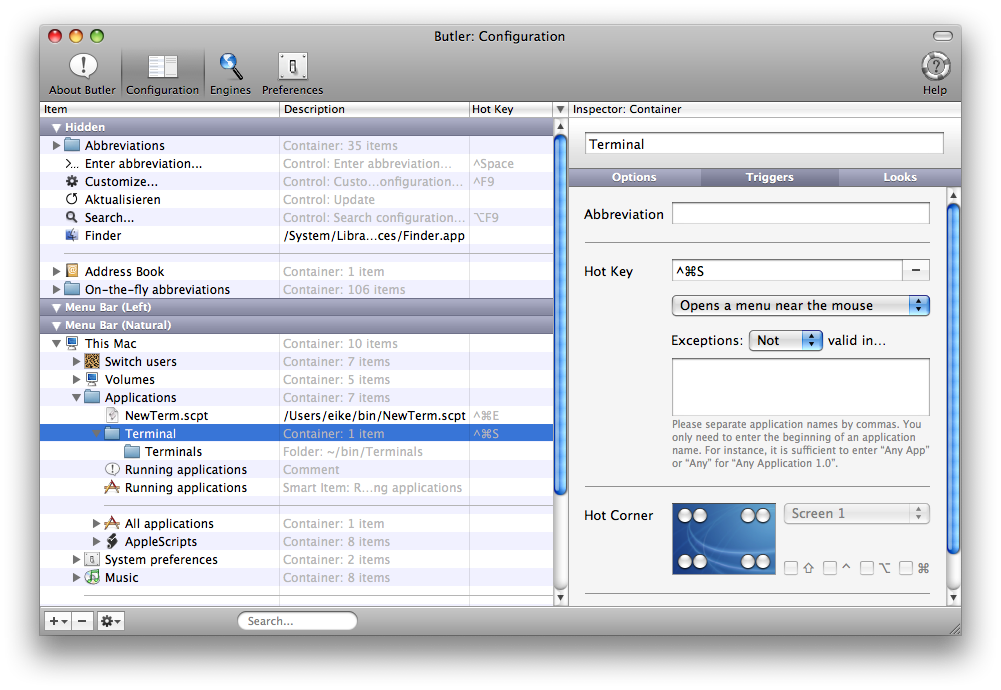
Expand the “Hidden” elements, if they are not visible. Select “Add File” from the plus button. Navigate to the ~/bin/ folder and select the “Terminals” folder to add it to the Butler Configuration.
 Select the “Terminals” container, open the “Triggers” tab, assign a Hot Key, change mode to “Opens a menu near the mouse”.
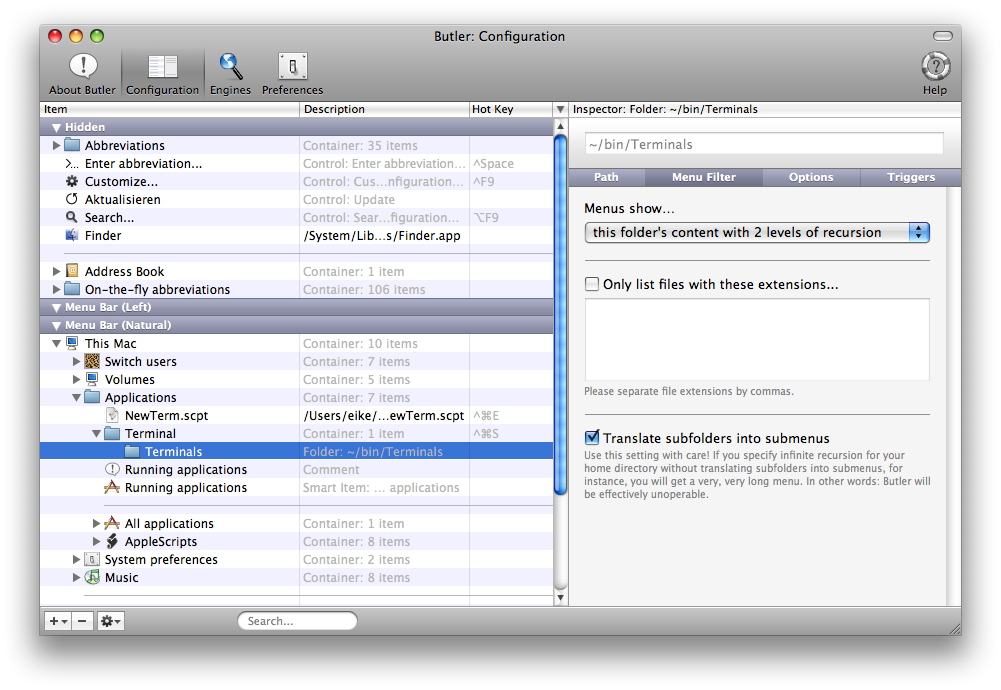
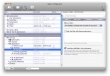 Select the “Terminals” folder, select the “Menu Filter” tab, change ‘Menus show⦒ to “this folder’s content with X levels of recursion”, activate “Translate subfolders into menus”.
Select the “Options” tab and change the ‘Open with⦒ setting to “Terminal” (or iTerm or …).
Pressing your hot key should now show a menu with the myshortalias script. You can add subfolders to the ~/bin/Terminals folder to group your servers. To add a server, just copy (or even better: hard-link) the myshortalias file to a new name which corresponds to a Host config in ~/.ssh/config.